A good gaming room does more than hold a console or PC. It matches your style, keeps your gear organized and stays comfortable through long sessions, whether you want a cozy corner or a full battlestation.
This guide covers choosing a theme, lighting, furniture, layout, wall decor, sound, tech and a relaxation zone. Pick the ideas that fit your room and budget, and build the space one step at a time.
Choose the Right Theme
A theme sets the mood and guides your choices of color, furniture and decor. It also keeps the room looking planned instead of random.
Popular Gaming Themes
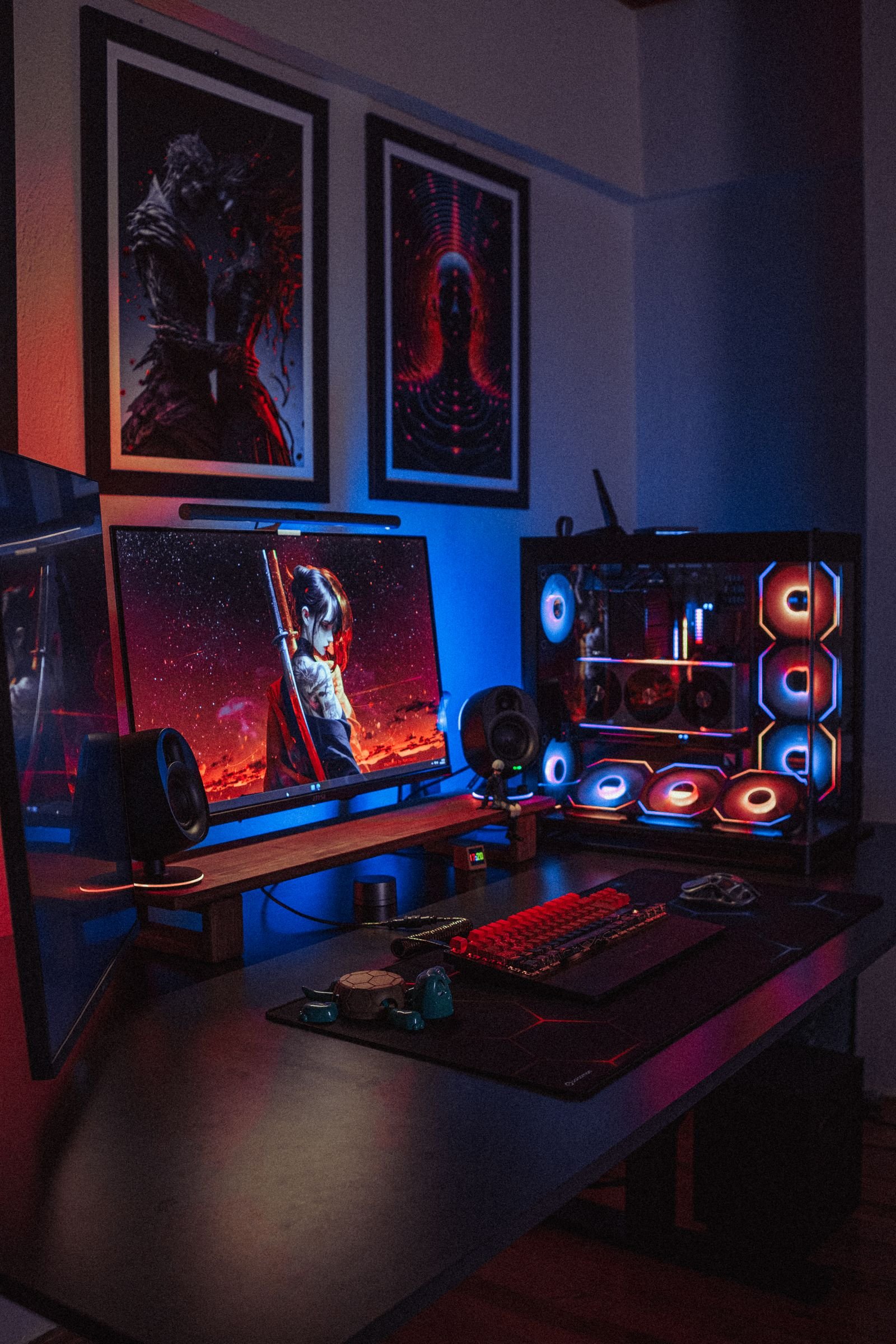
Retro arcade themes bring back the 1980s and 1990s with bold colors and classic cabinets or prints. Futuristic sci-fi themes use neon lights and metallic finishes. Fantasy themes borrow castles, dragons and warm stone textures. Minimalist themes rely on clean lines, a few quality pieces and hidden cables.
Customize It to Your Style
Make the theme your own with posters, collectibles and custom lighting. You can mix elements from two themes if you like, as long as the colors stay consistent. Choose two or three main colors and repeat them across the room. Comfort should still come first, so pick furniture that feels good before you pick it for looks.
Optimize Your Lighting
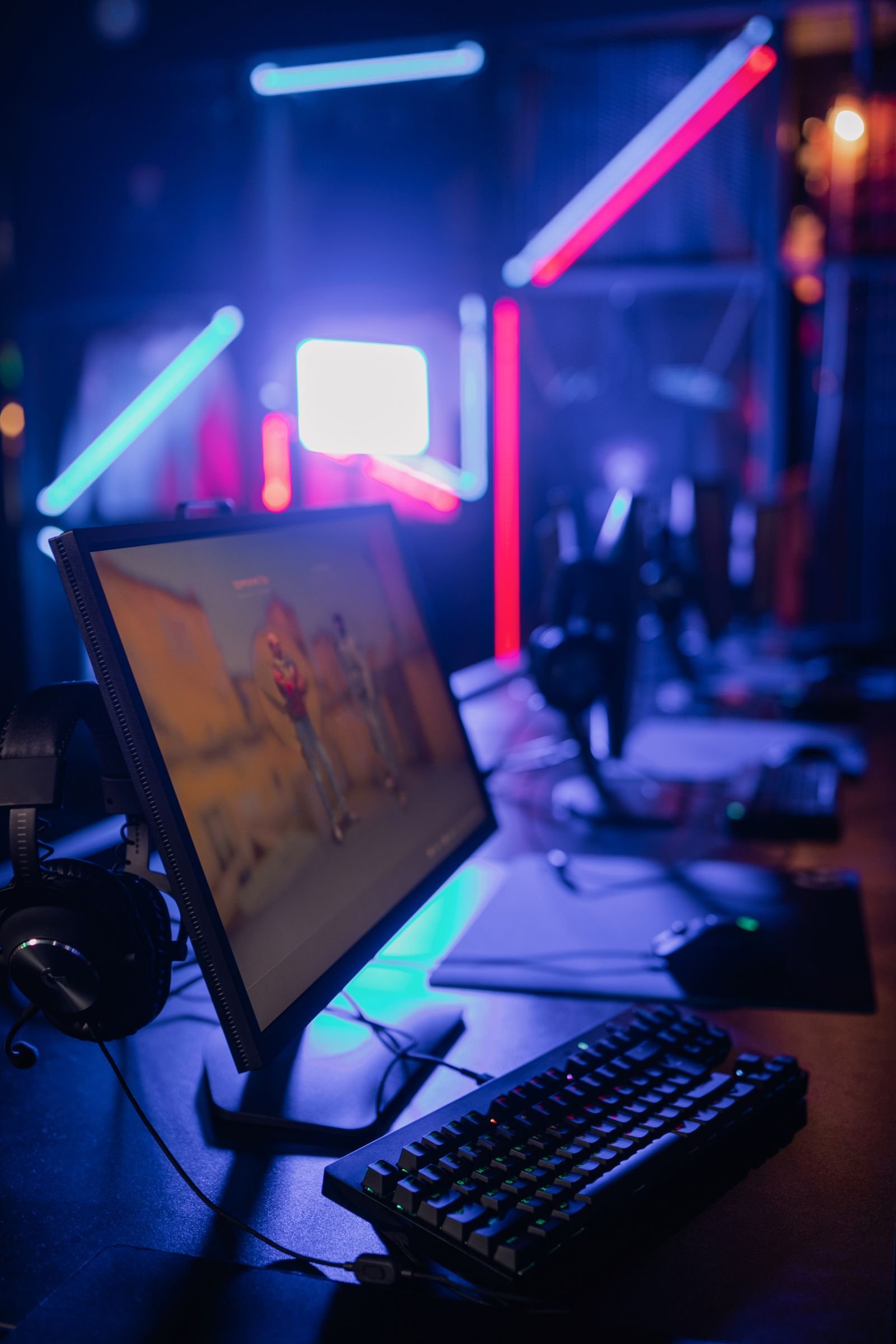
Lighting sets the mood in a gaming room, and it also affects how comfortable your eyes feel during a long session. For more ideas, see our guide to home decor lights.
Ambient Lighting Options
Soft, even light fills the room without glare on your screen. Floor lamps with dimmers work well, and wall sconces add light without using floor space. Avoid harsh overhead lights that reflect on monitors. Warm bulbs make the room cozy, and curtains let you control daylight.
LED and RGB Effects
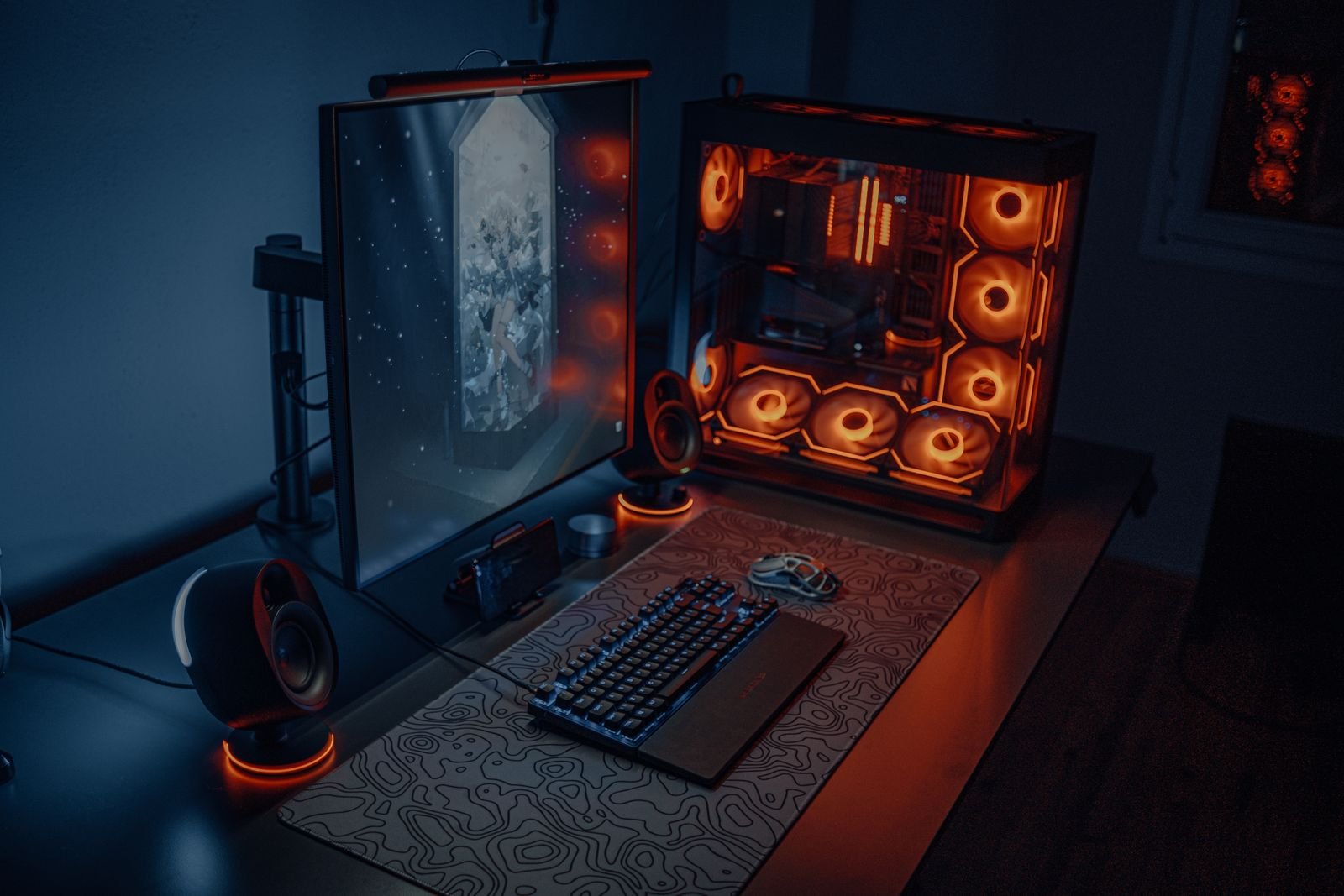
LED strips add color and style. Place them behind monitors, under the desk edge or along shelves. RGB lights let you choose any color, so you can match a game or a mood. Some kits sync with sound or on-screen action. Keep the light behind the screen at a moderate brightness so it does not strain your eyes in a dark room.
Select Comfortable Furniture
Comfort lets you play longer without aches. Choose furniture that supports your body and fits your room.
Ergonomic Chairs
A good gaming chair supports your back, neck and arms. Look for adjustable height, tilt and armrests, plus firm lumbar support. Breathable fabric or mesh stays cooler than leather-style covers. Your feet should rest flat on the floor, and your arms should reach the desk at a relaxed angle.
Functional Desks
A desk should hold your gear and accessories with room to spare. Choose one with cable routing holes or a tray, and make sure it is sturdy enough to stay still during intense play. A height-adjustable desk lets you change position during the day. If your gaming desk doubles as a workspace, our guide to modern home office design has ideas that fit both.
Maximize Space and Layout
A smart layout keeps the room tidy and easy to move around, even when it is small. Plan where the gaming station goes first, then fit the other furniture around it.
Organize Your Cables
Loose cables make a gaming room look messy and can trip you up. Bundle cords with clips or sleeves, label each one, and keep power strips off the floor to cut down on dust. Run cables along the back of the desk or inside a cable tray. This also makes cleaning easier and protects the cords from damage.
Effective Storage Solutions
Use shelves or wall-mounted racks to save floor space. Drawers and cabinets can hide controllers, game cases and spare cables. Clear bins let you see what is inside, and a storage ottoman gives you seating and a place to keep accessories. Keep the things you use daily within arm’s reach.
Add Wall Art and Decor
Walls hold much of a room’s personality. The right art balances a tech-heavy setup with character.
Posters and Prints
Choose artwork from your favorite games or characters. A large poster makes a strong focal point, and a group of smaller prints in matching frames looks neat. Use good-quality prints so the colors stay sharp, and change them from time to time to keep the room fresh.
Shelving and Collectibles
Floating shelves look clean and modern. Display figures, old consoles or game boxes, and arrange them by size or theme. Leave a little empty space on each shelf so the display does not feel crowded. Shelves can also hold small gadgets and accessories.
Improve the Sound Experience
Clear sound makes a game feel more immersive. It lets you hear footsteps, gunfire and whispers, and it helps you react faster.
Speakers and Headsets
Speakers fill the room for shared play, so look for clear highs and solid bass. Wireless models cut down on cable clutter. A headset gives you private sound and blocks outside noise. Pick one with a good microphone for team chat, and soft ear pads and an adjustable band for long sessions.
Soundproofing Tips
Thick curtains and carpets absorb sound. Foam or fabric panels on the walls reduce echo and improve clarity. Seal gaps around doors and windows to keep noise in and outside noise out. Bookshelves and heavy furniture also help absorb sound, which is useful if others in the house need quiet.
Add Tech and Accessories
The right extras make the room feel personal and high-tech, and small upgrades can change your experience a lot.
Multiple Monitor Setups
Multiple monitors expand your view. You can play on one screen while chatting or watching a guide on another. Arrange the screens in a slight curve so you can see each one without turning your head. Check that the stands or monitor arms fit your desk, and keep the top edge of the main screen near eye level.
Gaming Peripherals
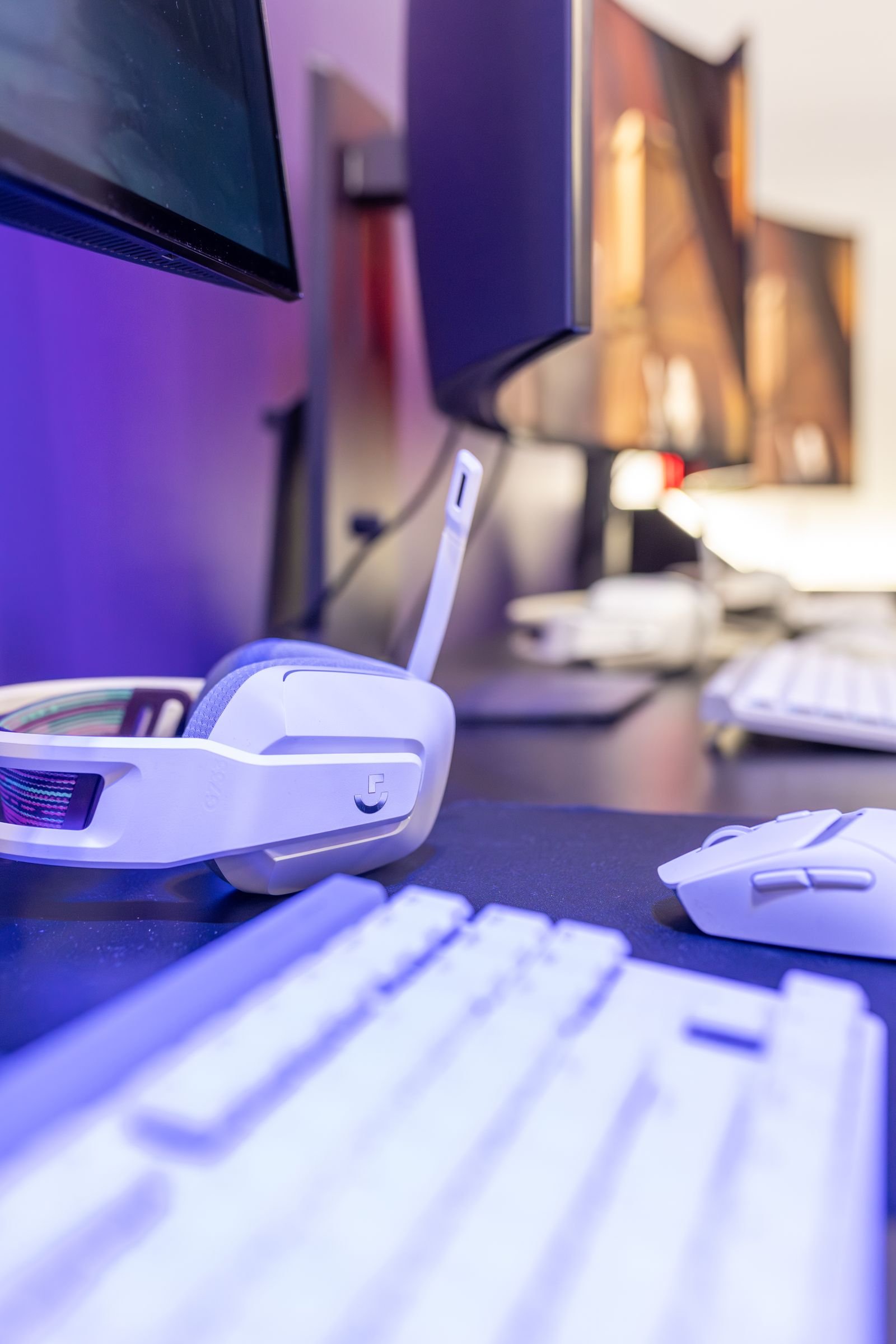
Good peripherals improve control. A mechanical keyboard gives fast, crisp key response, and a gaming mouse with adjustable DPI helps with precision. Pick a mouse pad large enough for your movements. Choose colors that match the room so the desk looks consistent.
Create a Relaxation Zone
A relaxation zone gives you somewhere to unwind between sessions. It should feel calm and sit a little apart from the main gaming setup. If you like a themed lounge feel, see our ideas for a home movie theater.
Comfortable Seating
Choose soft chairs or a sofa with cushions. Bean bags give a casual feel, and a recliner offers extra support. Add throw pillows and a blanket to make the area inviting. Face the seats toward a quiet corner or a window rather than a screen.
Ambient Features
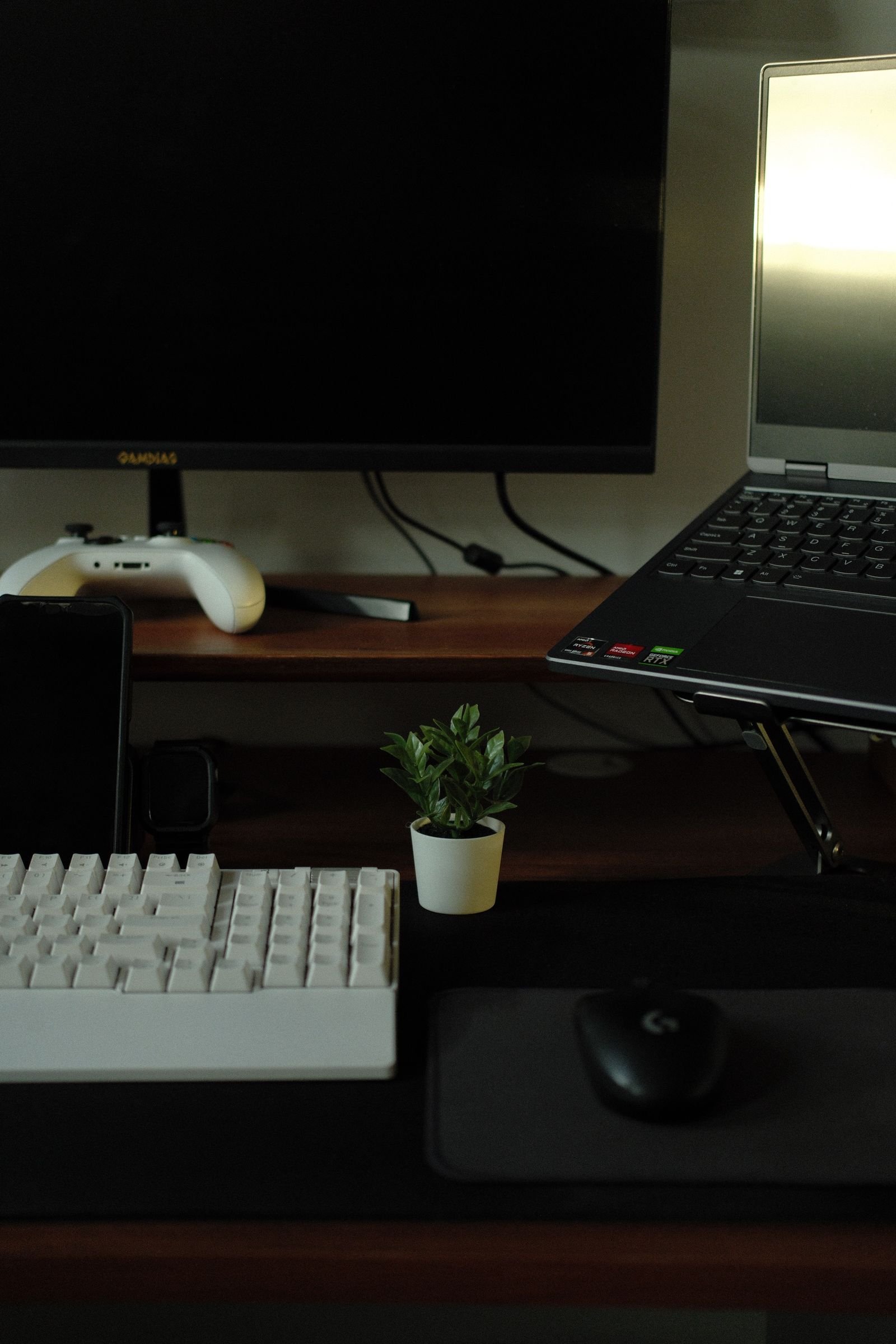
Soft light sets a peaceful mood, so use lamps with warm bulbs or dimmed LED strips. Scented candles or a diffuser add a gentle scent, and quiet background music helps you unwind. Keep the area clear of clutter, and add a small plant for a fresh touch.
Frequently Asked Questions
What Are the Best Colors for a Gaming Room?
Dark and cool colors such as blue, gray and black create a calm, focused space. Bright colors add energy but can distract if you use too many. Choose shades that suit your style and your lighting.
How Can Lighting Improve My Gaming Room?
Soft LED or RGB strips set a fun mood without glare. Avoid harsh overhead lights that reflect on screens. Adjustable lights let you change the feel of the room quickly.
What Furniture Suits a Comfortable Gaming Setup?
Ergonomic chairs and sturdy desks offer good support for long sessions. Shelves and storage keep games and gear organized. Choose pieces that fit your room size and style.
How Do I Organize Cables in a Gaming Room?
Group wires with clips, sleeves or ties, and label each one. Keep cables off the floor to prevent trips and damage.
Can Wall Decorations Improve My Gaming Room?
Yes. Posters, framed game art and LED wall panels add personality. Wall-mounted shelves show off collectibles and save floor space.
Conclusion
A great gaming room combines a clear theme, good lighting, comfortable furniture and smart storage. Start with the basics, which are a supportive chair, a tidy desk and soft lighting, then add art, sound and tech. Small changes add up, so build the room step by step and make it yours.